Guided stretch breaks for Mac
Remember to stretch while you work
A little cat on your Mac reminds you to take a break and guides you through your stretches.
7 days free. No card needed.
Requires macOS 14 or later on Apple silicon.
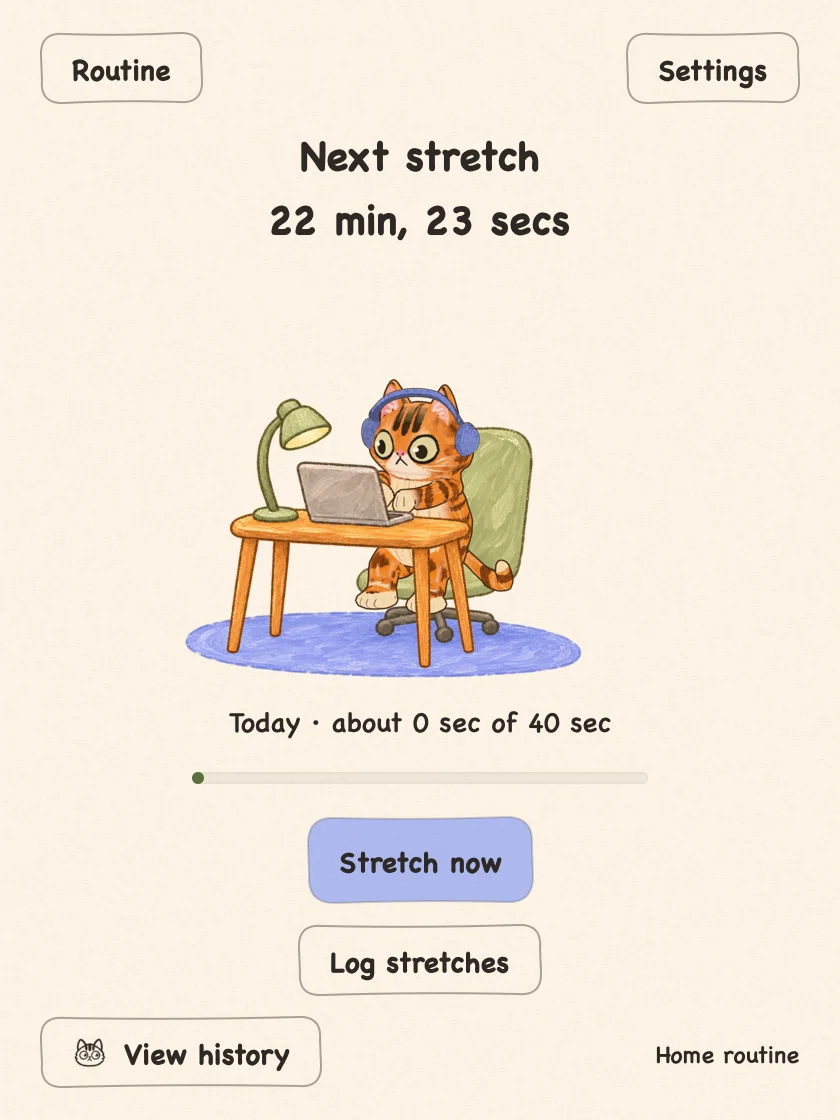
How a stretch break works
Your cat knocks
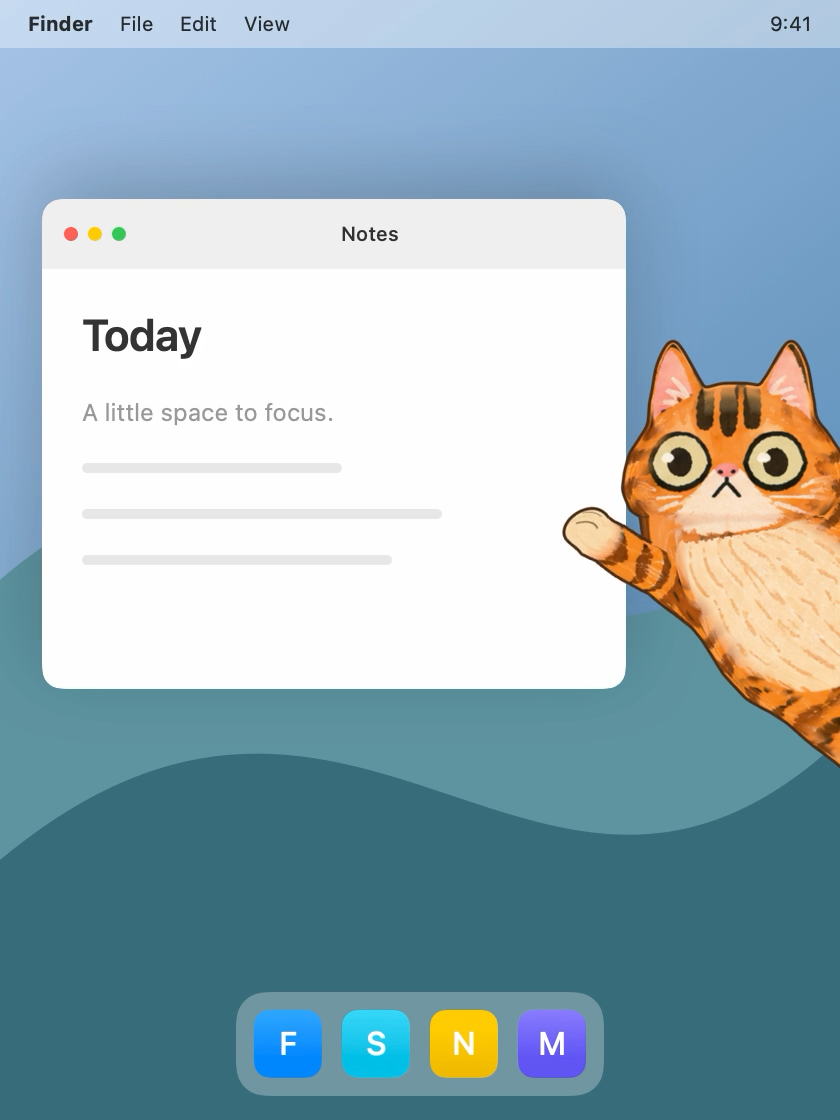
Stretch together
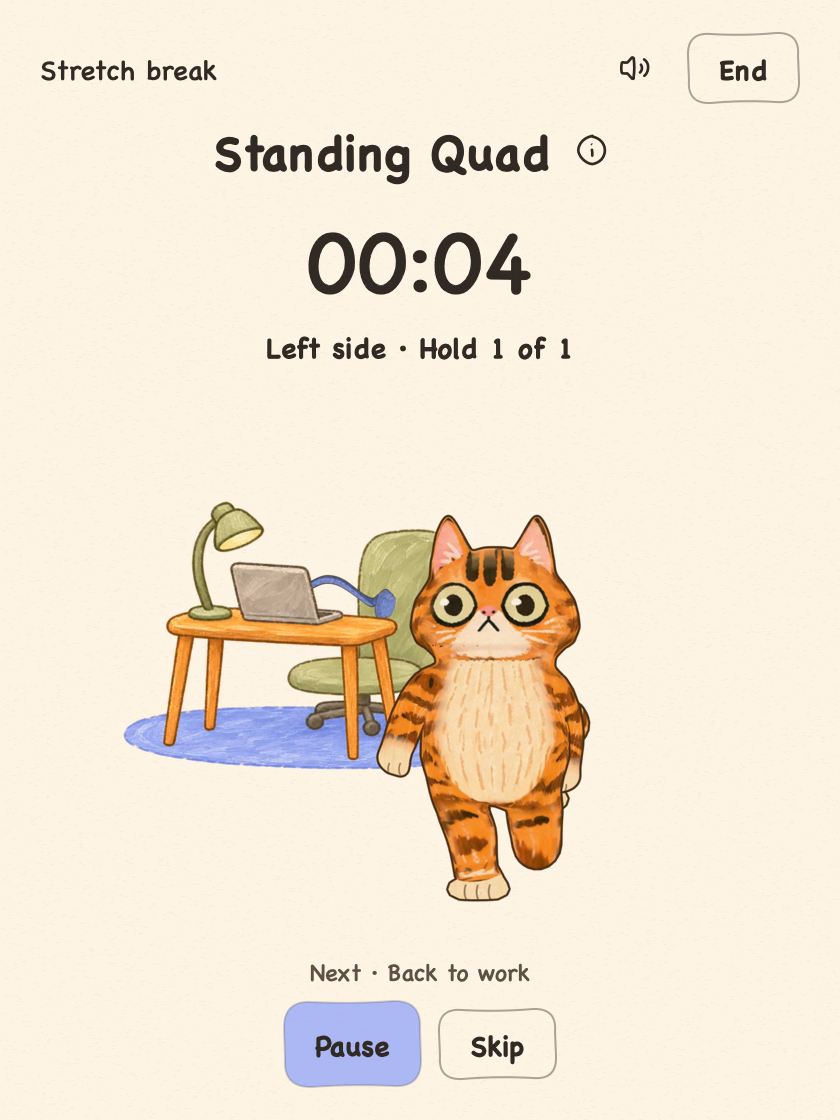 Preview: four-second hold, with a start beep and 3, 2, 1 beeps at the finish.
Break complete
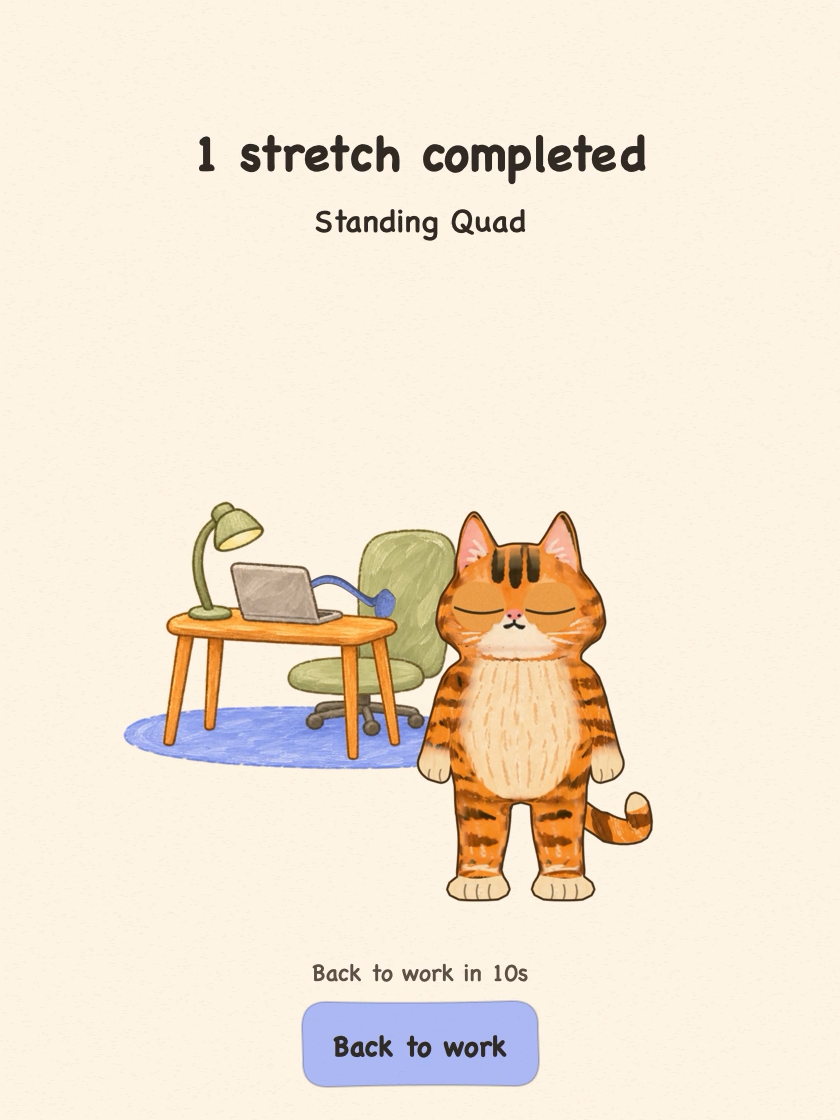 1 stretch completed: Standing Quad.
Frequently asked questions
Can I set my own stretch reminder schedule?
Yes. Choose your workdays and hours, and the app schedules stretch reminders during that window.
Can I stretch without waiting for a reminder?
Yes. Open the app and choose Stretch now whenever you’re ready.
Do I need an account?
You can use the app without creating an account.
How much does it cost?
Your first 7 days are free. No card is needed to start, and you’ll only be charged if you confirm your purchase. Beta lifetime access costs US$9.99 once at launch.
7 days free. No card needed.
Requires macOS 14 or later on Apple silicon.